
Select ZIPs on the map
Click individual ZCTAs to include or exclude without redrawing rings.
Steps
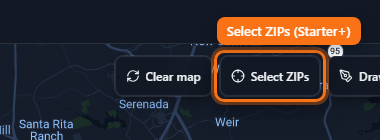
- On Starter or Pro, click Select ZIPs on the map toolbar.
- Click ZIP polygons on the map to toggle them into include or exclude.
- Click Done selecting (or press Esc) when finished.
- Free accounts see a lock — upgrade unlocks map selection.