
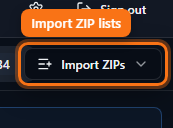
Import ZIP lists
Paste or upload ZIP codes into Results without rebuilding rings from scratch.
Steps
- Open Results after you have (or before you build) a workspace.
- Use the Import control in Results to paste ZIPs or upload a list.
- Choose whether imported ZIPs become includes, excludes, or convert toward radius pins.
- Paid plans unlock import; Free/Demo stay limited to truncated export.